Consent first
Each signer accepts electronic records and signatures (ESIGN and UETA) before signing.

Signatures
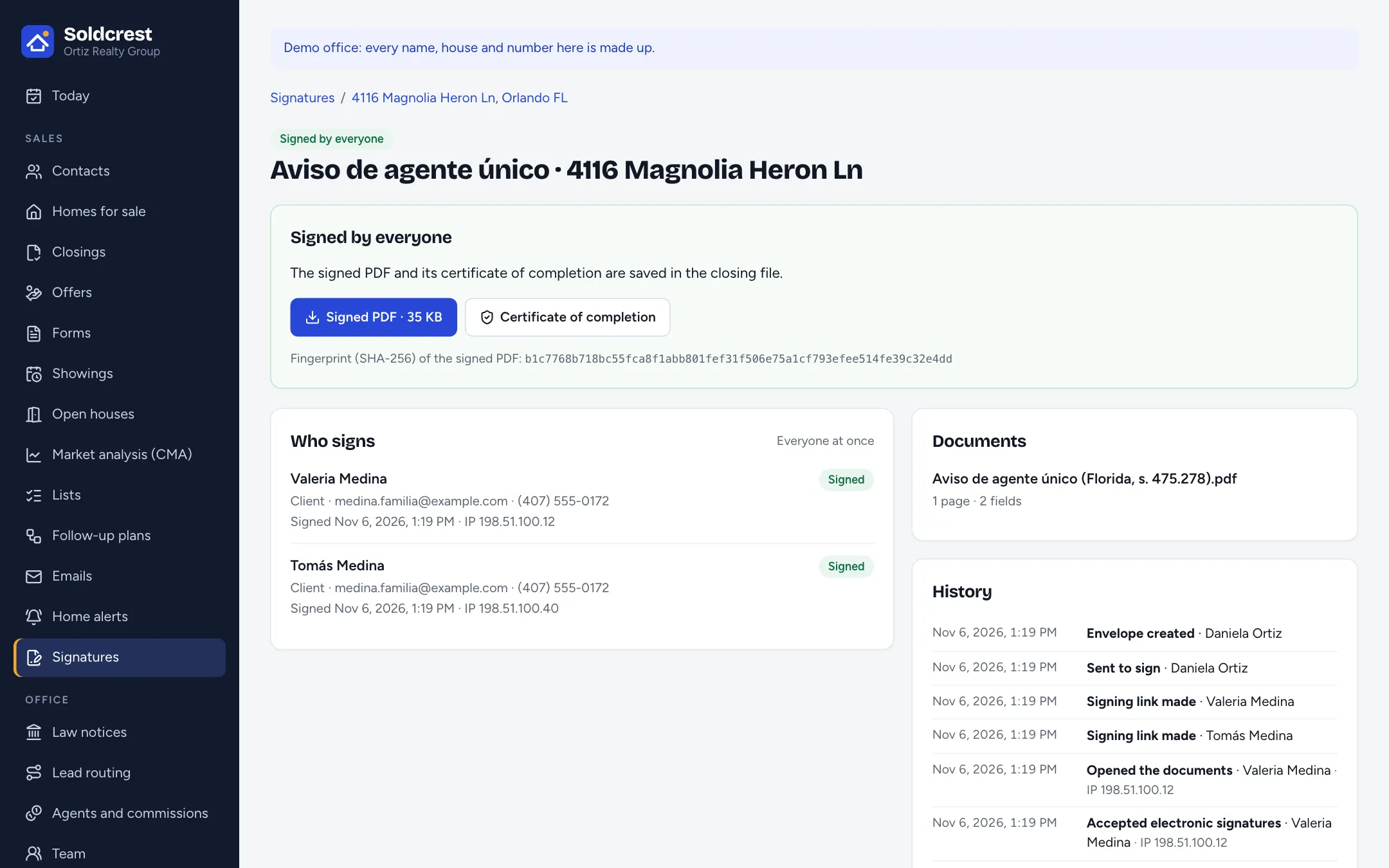
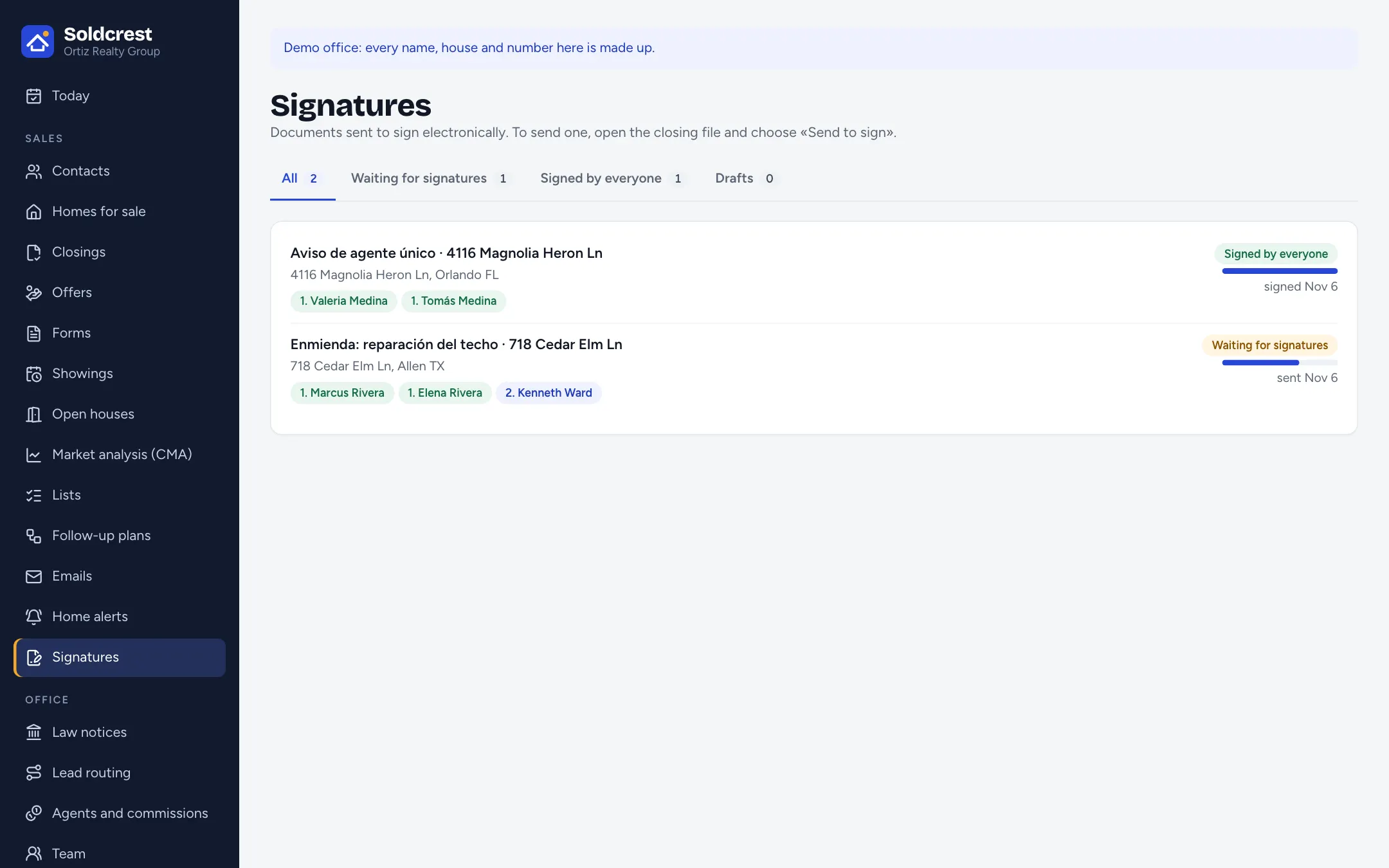
Place the fields, share a private link, and keep the signed PDF and its certificate in the closing file.
Scroll to open
Each signer accepts electronic records and signatures (ESIGN and UETA) before signing.
Signatures, initials and dates on the right page, for the right person.
No password and no account to open.
Who signed, when, and from which IP address and device, with a SHA-256 fingerprint of the signed PDF.
The signed copy goes to your clients’ private page.

Early access for agents and brokers in Texas and Florida.